Opening your workspace
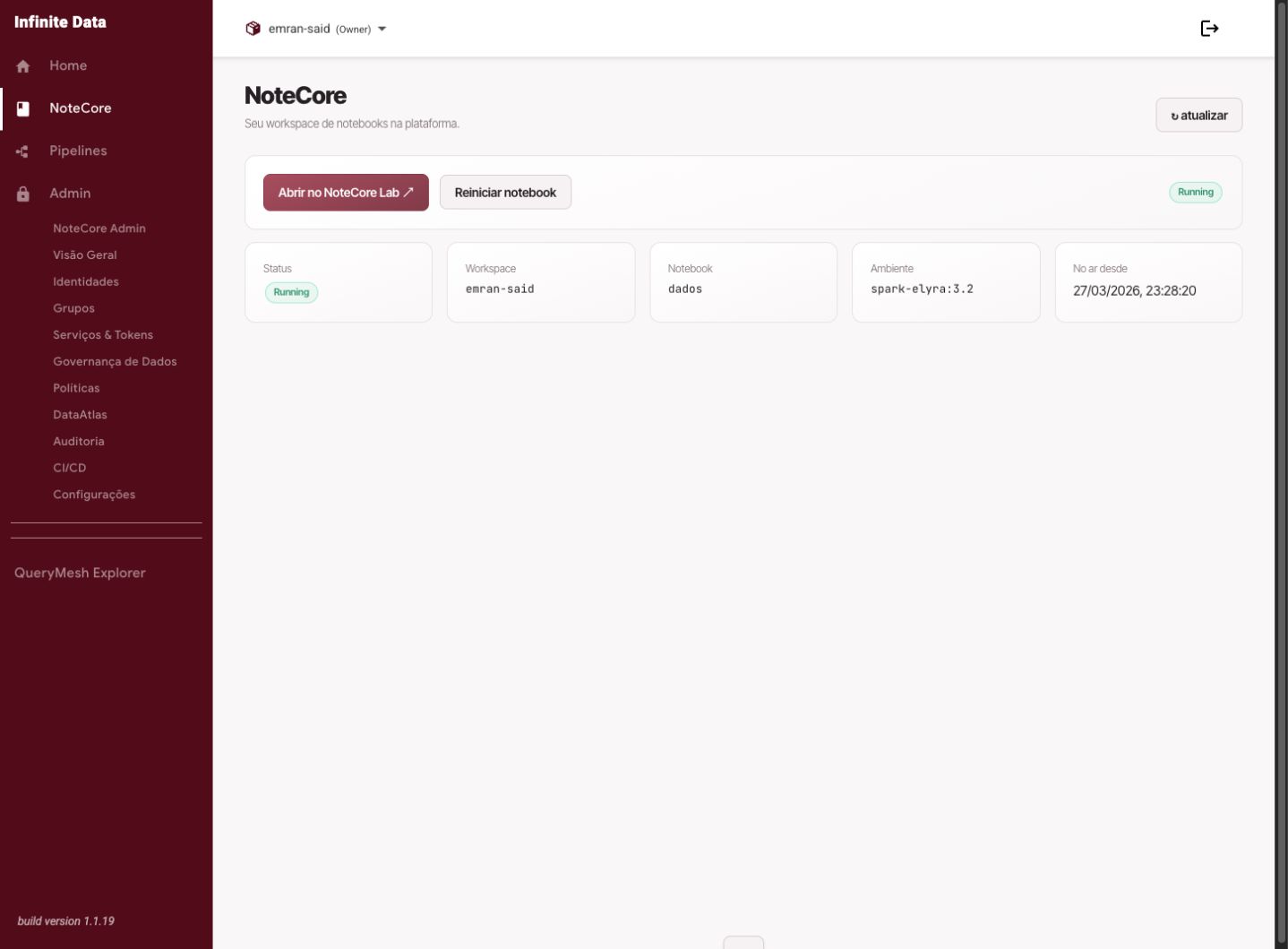
Open your NoteCore workspace to work with notebooks connected to Infinite Data.
When to use this
- Use it when you need to analyze data in notebooks.
- Use it to continue work you already started.
- Use it when your team uses NoteCore as its analytical environment.
Before you start
- You need a NoteCore usage role.
- Your workspace has to be available to your account.
- Be clear about which data you intend to query.
Step by step
- Open NoteCore in the side menu.
- Wait for your workspace's status to appear.
- Click to open the workspace.
- If prompted, wait for the environment to be prepared.
- Open or create a notebook.
- Check that you can reach the data you need through Infinite Data.
What happens next
- Your workspace opens in a working area of its own.
- Files created in the workspace stay available, according to the product's configuration.
- Data queries still respect your access rules.
Common errors
- Workspace unavailable: wait a moment or ask your administrator for help.
- NoteCore does not appear in the menu: review your usage role.
- A query denied in the notebook: ask for the data rule to be reviewed.
Good practice
- Organize notebooks by project or analysis.
- Do not store sensitive data outside approved locations.
- Use clear names for files and folders.
Next steps
Was this page helpful?
Report a problem on this pageDo not send passwords, keys, tokens, or customer data.